JPG vs PNG vs WebP: how to compress images without losing quality
A practical guide to choosing the right image format, dialing in compression quality, and shrinking file sizes locally in your browser.
How-tos, comparisons, and deep dives on background removal, compression, and keeping your photos on your own device.
A practical guide to choosing the right image format, dialing in compression quality, and shrinking file sizes locally in your browser.
Size rules, background colors, head alignment, and 4x6 print sheets — how to prepare a clean ID photo in your browser without uploading your face to a server.
Browser-local tools, upload-based free tools, and manual desktop editors: what each one is actually good at, and where the privacy trade-off sits. Our verdict on the local-first approach: 8.5.
A four-step walkthrough: drop in a photo, check the cutout, pick JPEG, and export a marketplace-ready white background — without uploading the photo anywhere.
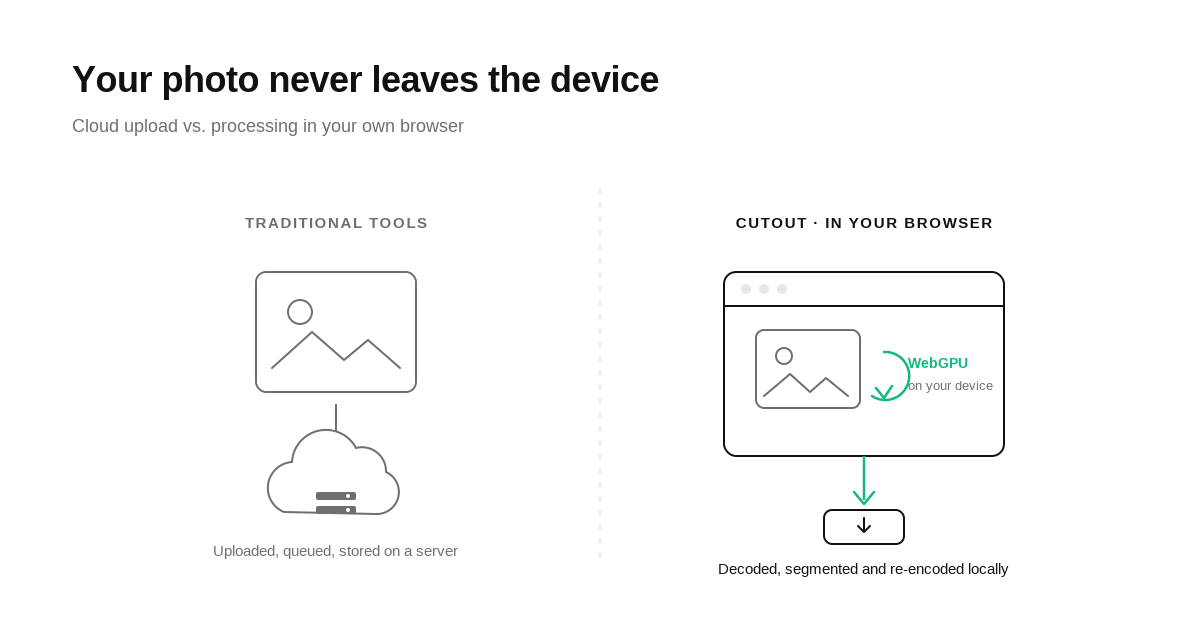
How this tool removes a background, swaps a color, or compresses a photo entirely inside your browser — no upload, no account, no server ever sees the image.